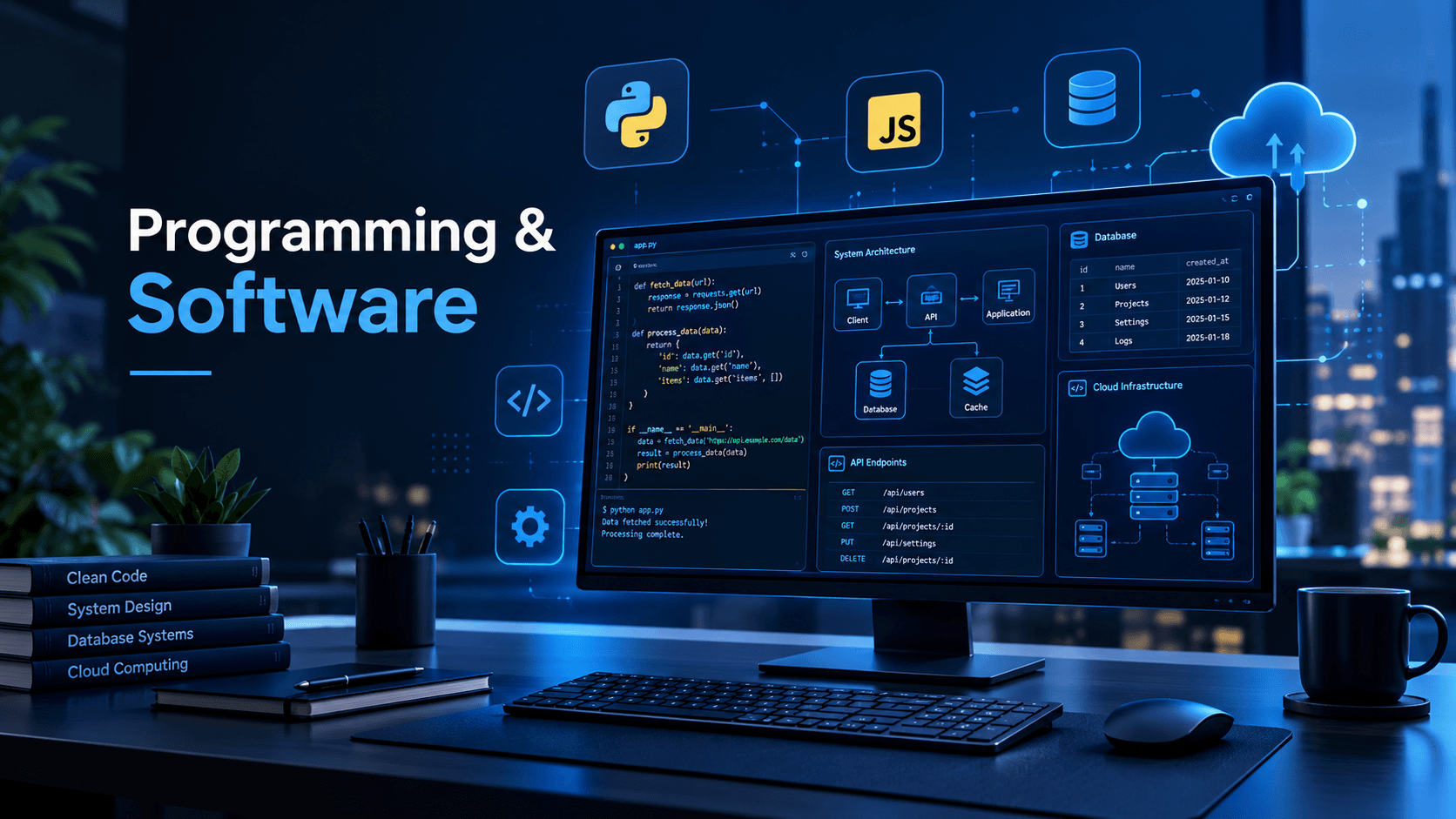
Software is behind almost every digital experience we use today. When you send a message, edit a photo, shop online, play a game, or use a banking app, software is doing the work in the background. But software does not appear out of nowhere. It is designed, programmed, tested, maintained, and improved over time.
That is where programming and software development come together.
Programming provides the instructions that computers can execute, while software is the finished product built from those instructions. Understanding how the two relate can help beginners make better technology choices and give aspiring developers a clearer path into IT.
In this guide, we will look at what programming and software mean, how software is developed, the major programming languages and development tools, common types of software, and practical concepts every beginner should understand.
What Is Programming?
Programming is the process of writing instructions that tell a computer how to perform specific tasks. These instructions are written using programming languages such as Python, JavaScript, Java, C#, C++, and others.
A simple program might calculate the total cost of several products. A much larger program could manage millions of database records, process online payments, or operate part of a cloud platform.
At its core, programming involves several basic activities:
- Understanding a problem
- Designing a solution
- Writing code
- Testing the code
- Finding and fixing errors
- Improving and maintaining the program
For example, imagine building a simple login system. The program needs to accept a username and password, check whether the credentials are valid, and then allow or deny access. Programming is used to define each of these steps.
Programming Is More Than Writing Code
Good programming is not simply about knowing the syntax of a language. Developers also need to understand logic, algorithms, data structures, debugging, security, and software design.
A developer who understands the problem before writing code can often produce a simpler and more reliable solution than someone who immediately starts typing.
What Is Software?
Software is a collection of programs, data, and related components that instruct a computer or other device to perform useful tasks.
Unlike hardware, software has no physical form. A laptop, smartphone, or server is hardware; the applications running on those devices are software.
Software can be divided into several broad categories.
1. System Software
System software helps operate and manage computer hardware.
Examples include:
- Operating systems
- Device drivers
- System utilities
- Firmware
Operating systems such as Windows, Linux, macOS, Android, and iOS provide the environment in which other applications can run.
2. Application Software
Application software is designed to help users perform particular tasks.
Examples include:
- Word processors
- Web browsers
- Accounting applications
- Photo-editing programs
- Video games
- Business management systems
A web browser, for example, allows users to access websites, while an accounting application can help a business manage invoices and financial records.
3. Web Software
Web applications run through web technologies and are commonly accessed through browsers.
Examples include online email platforms, e-commerce websites, project management systems, and customer portals.
Modern web applications often combine HTML, CSS, JavaScript, server-side programming, databases, APIs, and cloud infrastructure.
4. Mobile Software
Mobile applications are designed for smartphones and tablets. Developers may use platform-specific technologies or cross-platform frameworks depending on the project's requirements.
Mobile software needs to consider factors such as screen size, touch interaction, battery consumption, network conditions, and device security.
How Programming and Software Work Together
Programming is one of the main building blocks of software.
Consider a simple weather application. The application might need to:
- Accept a user's location.
- Send a request to a weather API.
- Receive weather data.
- Process the information.
- Display temperatures and conditions.
- Handle errors if the service is unavailable.
The programming code provides the logic behind these operations. The complete application combines that code with its interface, data handling, configuration, and other components.
This relationship can be summarized simply:
Programming → Code → Software components → Complete software product
However, professional software development involves much more than coding alone.
Common Programming Languages
Different programming languages are suited to different types of projects. There is no single language that is perfect for every situation.
Python
Python is widely used for web development, automation, data analysis, artificial intelligence, scripting, and education.
Its relatively readable syntax makes it approachable for beginners, while its extensive ecosystem makes it useful for experienced developers.
JavaScript
JavaScript is a core technology of modern web development. It allows developers to create interactive behavior in web pages and is also used on servers and in other environments.
Together with HTML and CSS, JavaScript forms a major part of front-end web development.
Java
Java is used in many enterprise applications and has also been important in Android development. It is designed around object-oriented programming and runs through the Java Virtual Machine.
C#
C# is commonly associated with the .NET ecosystem. It is used for web applications, desktop software, business applications, cloud services, and game development.
C and C++
C is widely used in systems programming and environments where direct control over hardware and memory is important. C++ builds on many concepts from C and provides additional programming abstractions.
These languages are frequently used in areas such as operating systems, embedded systems, high-performance applications, and game engines.
The Software Development Life Cycle
Professional software projects usually follow a structured development process. The exact methodology varies, but common stages include:
1. Planning
Developers and stakeholders identify the problem the software should solve. Requirements, users, constraints, and project goals are considered.
2. Design
The team decides how the system should work. This may involve user-interface designs, database structures, system architecture, APIs, and security considerations.
3. Development
Programmers write the code based on the requirements and technical design.
4. Testing
The software is tested to identify bugs and verify that it behaves as expected.
Testing can include:
- Unit testing
- Integration testing
- System testing
- Performance testing
- Security testing
- User acceptance testing
5. Deployment
Once the software is ready, it is released to users or deployed to its intended environment.
Modern applications may be deployed to cloud platforms, company servers, mobile app stores, or other environments.
6. Maintenance
Software development does not necessarily end after release. Developers fix bugs, address security issues, improve performance, add features, and adapt the software to changing requirements.
Essential Tools Used in Software Development
Programming languages are only part of a developer's toolkit.
Code Editors and IDEs
Developers use code editors and integrated development environments (IDEs) to write and manage source code.
These tools can provide features such as:
- Syntax highlighting
- Code completion
- Debugging
- Project management
- Error detection
- Version-control integration
Version Control
Git is a widely used version-control system. It allows developers to track changes, create branches, collaborate with other programmers, and restore earlier versions when necessary.
Platforms such as GitHub, GitLab, and Bitbucket can provide hosting and collaboration features around Git-based projects.
Databases
Many software applications need to store information. Databases provide a structured way to save and retrieve that data.
Common database technologies include relational systems such as PostgreSQL and MySQL, as well as various NoSQL databases.
For example, an online store might use a database to manage products, customers, orders, and inventory.
APIs and Modern Software
An API, or Application Programming Interface, allows different software components to communicate.
For example, a travel application might use an external API to retrieve flight information instead of maintaining every piece of flight data itself.
A typical interaction could look like this:
Application → API request → External service → API response → Application
APIs are important in modern software because applications rarely operate completely in isolation. Web services, payment systems, authentication providers, maps, analytics platforms, and many other technologies can communicate through APIs.
Why Software Testing Matters
Even well-written code can contain bugs. Testing helps developers find problems before or after software reaches users.
For example, a shopping application should not only test whether a product can be added to a cart. It should also consider situations such as:
- An item becoming unavailable
- An invalid payment attempt
- A network connection being interrupted
- A user entering unexpected information
- Two users attempting to purchase the same limited-stock item
Testing helps make software more dependable and can reduce the risk of failures in production.
Software Security Should Be Part of Development
Security should not be treated as an afterthought.
Developers need to consider issues such as:
- Secure authentication
- Authorization
- Input validation
- Protection of sensitive data
- Secure API design
- Dependency management
- Safe error handling
For instance, an application should not blindly trust information submitted by a user. Input should be validated and handled safely before it is processed or stored.
Security practices also need to evolve because software dependencies, threats, and infrastructure change over time.
How Beginners Can Start Learning Programming
If you are new to programming, trying to learn everything at once can quickly become overwhelming. A focused approach is more practical.
Start with one language and learn fundamental concepts such as:
- Variables and data types
- Conditional statements
- Loops
- Functions
- Lists and other data structures
- Error handling
- Basic algorithms
- Reading and writing files
- Debugging
- Version control
Once the fundamentals become comfortable, build small projects.
For example, beginners can create:
- A calculator
- A to-do list
- A simple quiz application
- A personal website
- A file-organizing script
- A basic expense tracker
Projects turn abstract programming concepts into practical experience. They also teach an important lesson: real software development involves debugging and revising your work, not just writing code that works on the first attempt.
Programming vs. Software Development
The terms programming and software development are closely related, but they are not identical.
Programming focuses primarily on creating and modifying code. Software development is broader and can include:
- Requirements analysis
- System design
- Programming
- Testing
- Documentation
- Deployment
- Maintenance
- Security
- Team collaboration
In a professional environment, a developer may spend significant time understanding requirements, reviewing code, investigating bugs, or designing a solution rather than continuously writing new code.
The Future of Programming and Software
Software development continues to change as new tools and platforms emerge. Cloud computing, automation, artificial intelligence, mobile platforms, distributed systems, and other technologies are influencing how applications are designed and maintained.
At the same time, fundamental programming skills remain valuable. Understanding algorithms, data structures, system behavior, debugging, security, and software design gives developers a foundation that can transfer across technologies.
The specific tools may change, but the ability to understand a problem and create a reliable technical solution remains central to software development.
Frequently Asked Questions
What is the difference between programming and software?
Programming is the process of creating instructions using code. Software is the resulting collection of programs and related components designed to perform specific tasks.
Which programming language should a beginner learn?
There is no universal answer. Python is often approachable for beginners because of its readable syntax, while JavaScript can be a practical choice for people interested in web development. The best starting language depends on what you want to build.
Is programming the same as coding?
The terms are often used interchangeably, but programming can describe a broader process that includes problem-solving, algorithm design, testing, debugging, and maintaining code. Coding is more specifically the act of writing instructions in a programming language.
What tools do software developers use?
Developers commonly use code editors or IDEs, version-control systems such as Git, testing tools, databases, package managers, APIs, debugging tools, and deployment platforms. The exact toolkit depends on the project and technology stack.
Can I learn programming without a computer science degree?
Yes. A degree can provide structured education in computer science and related subjects, but programming can also be learned through courses, documentation, books, practice, and personal projects. Building and understanding real projects is an important part of developing practical skills.
Conclusion
Programming and software are closely connected parts of modern information technology. Programming provides the instructions, while software brings those instructions together into applications and systems that solve real problems.
For beginners, the most useful approach is to focus on fundamentals rather than trying to learn every language or framework at once. Choose a programming language, understand the basics, build small projects, learn how to debug your code, and gradually explore databases, APIs, testing, security, and software architecture.
As your skills develop, you will begin to see that effective software development is not simply about writing more code. It is about understanding problems, designing sensible solutions, creating reliable software, and improving those solutions over time.
That mindset is what turns programming knowledge into practical software-development skills.
Comments
No comments yet. Add the first one below.